The BUERGERPORTAL.DE app. Always with you.
Read your digital mail, reply to questions and keep track of appointments — even on the go. Use the scanning feature to submit paper documents directly from your smartphone.
The iOS app is already available in the App Store. The Android app is currently under review by Google Play.
Your Bürgerportal account and use of the portal are free. You can create your account in the app or in your browser.


For Apple iOS
Open in the App Store
Scan the QR code with your smartphone camera or open the store directly.
For Google Android
The Android app is currently under review by Google Play.
See what the app looks like.
These images show the document scanner, mailbox and other iPhone app features with sample data. The display may look slightly different on your device. The screenshots show the German interface.
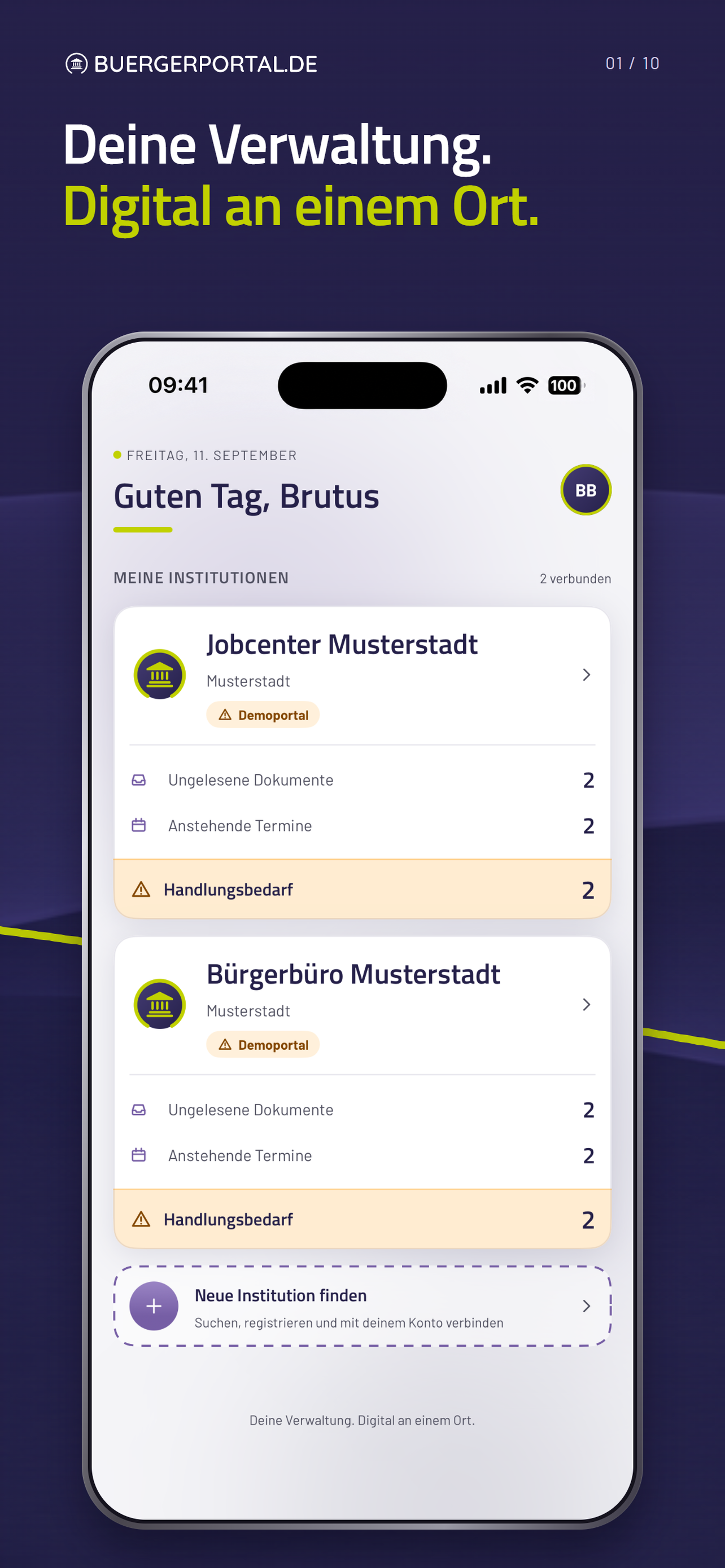
Your organisations in one place
Keep track:
your connected organisations with new mail, appointments and actions required.
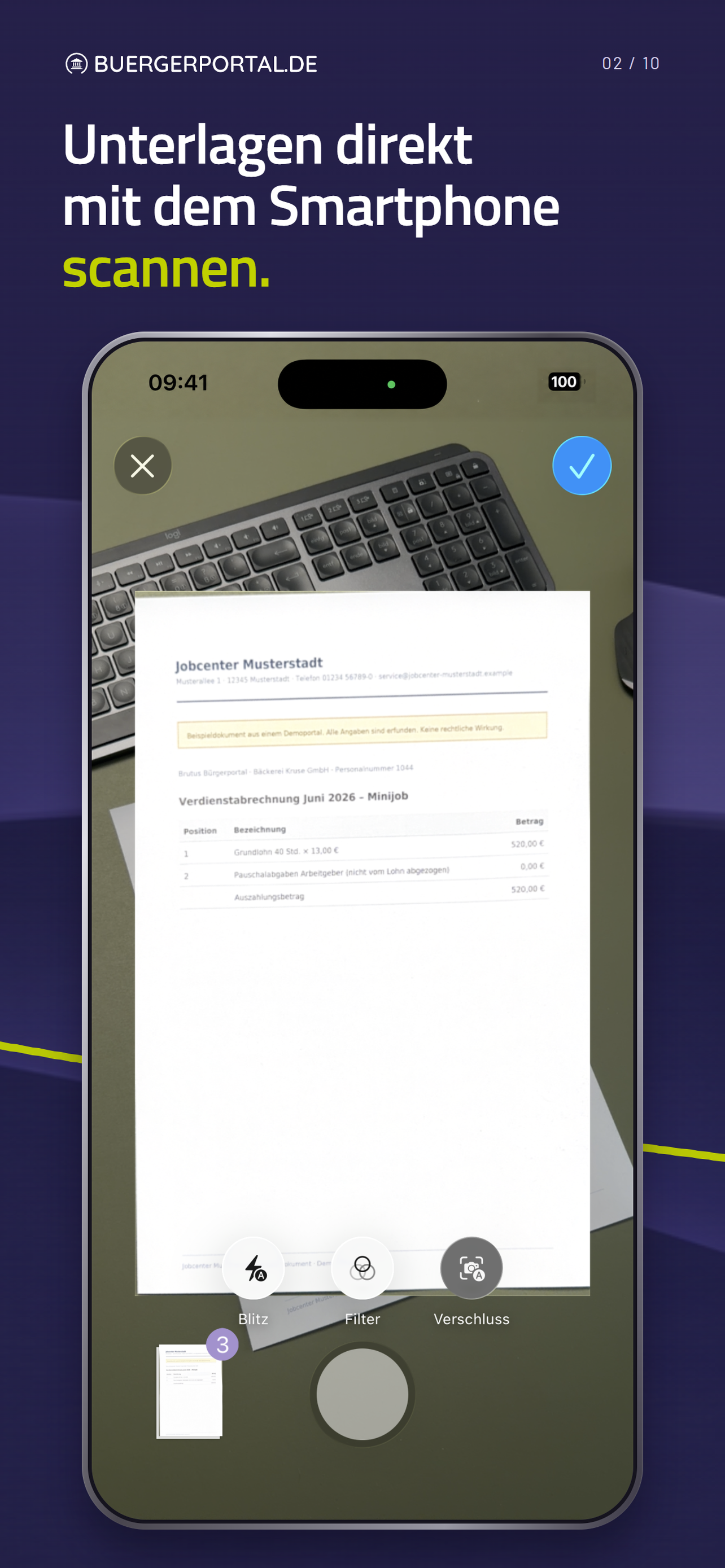
Submit paper documents digitally
Save a trip:
capture documents with the camera and submit them as a file.
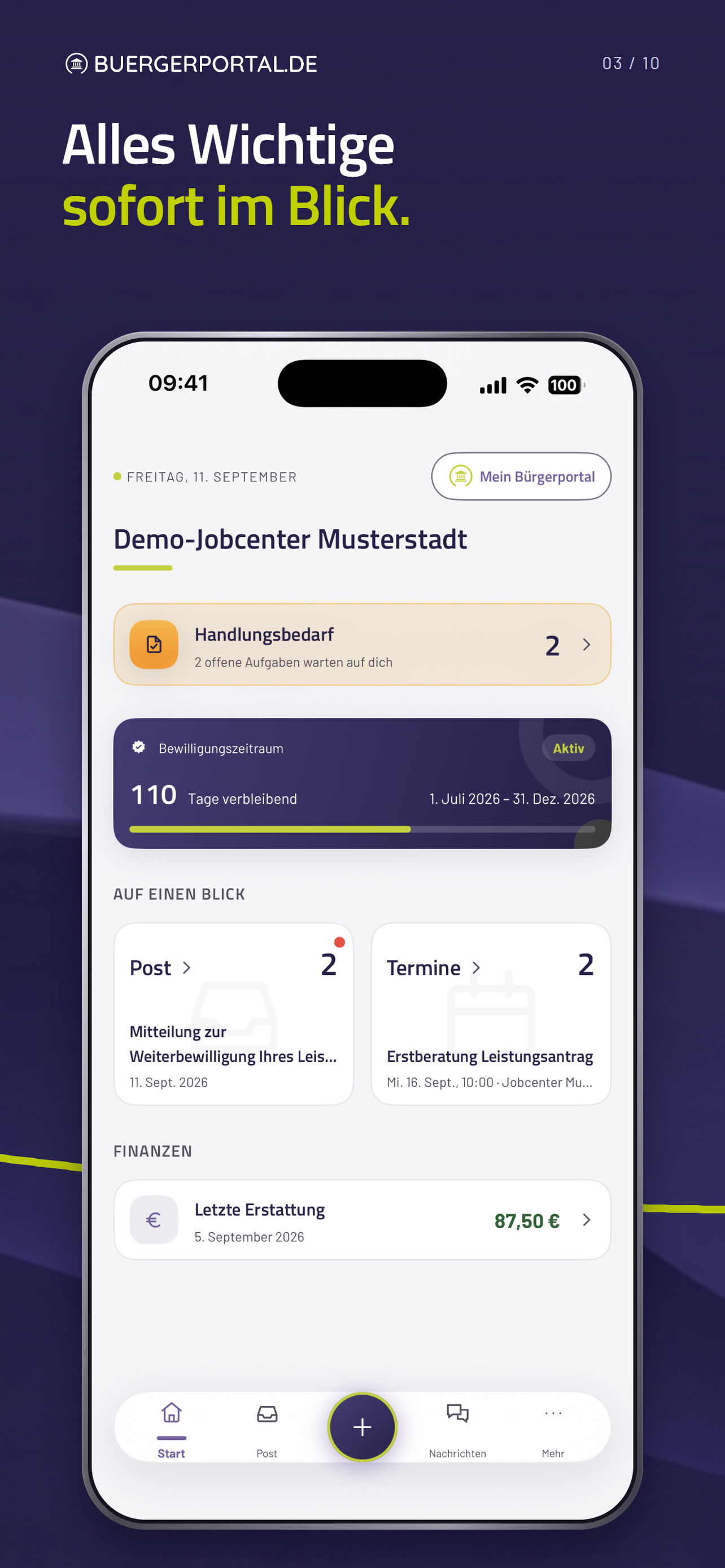
The most important things first
Do not miss anything:
new mail, outstanding tasks and your organisation’s appointments at a glance.
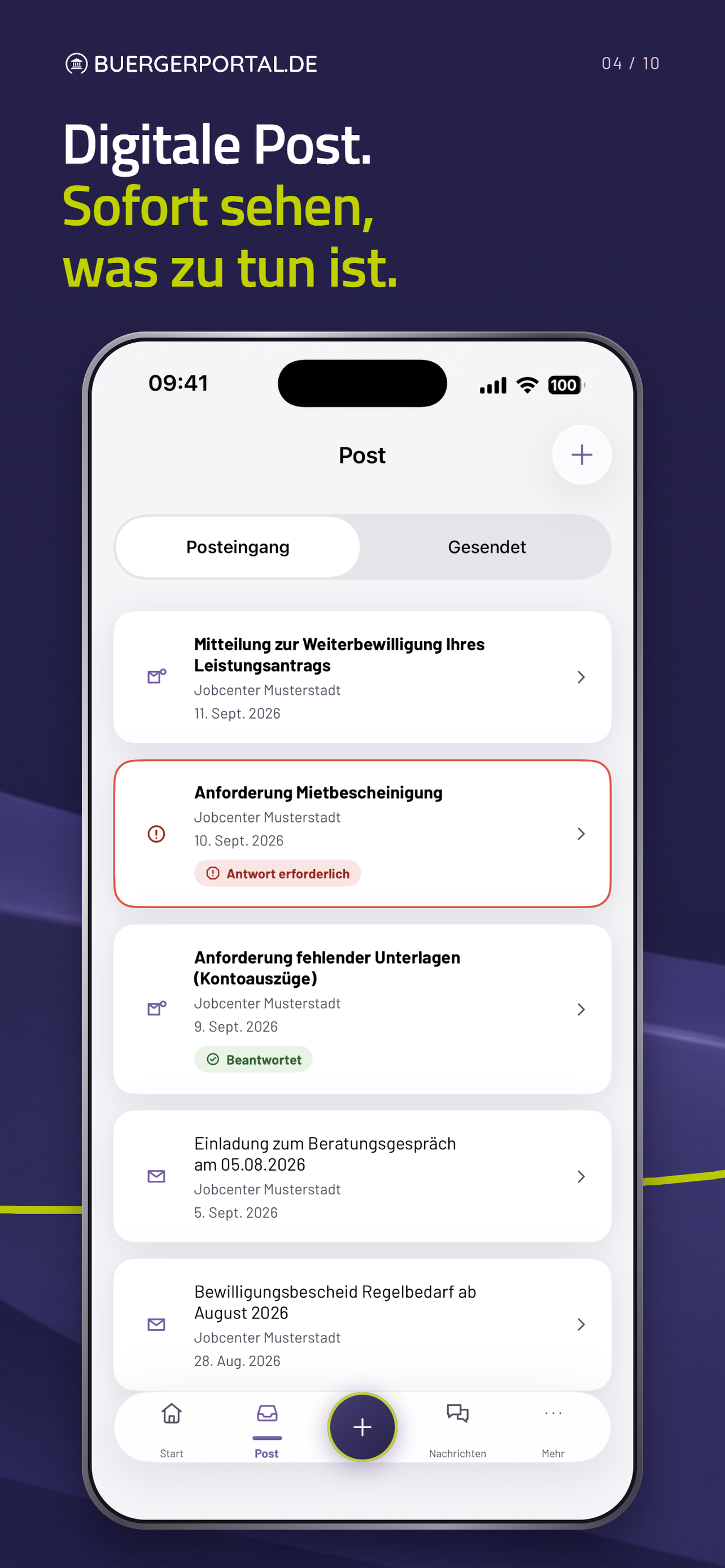
Keep track of your mail
Respond quickly:
see which letters are new and where a reply is required.
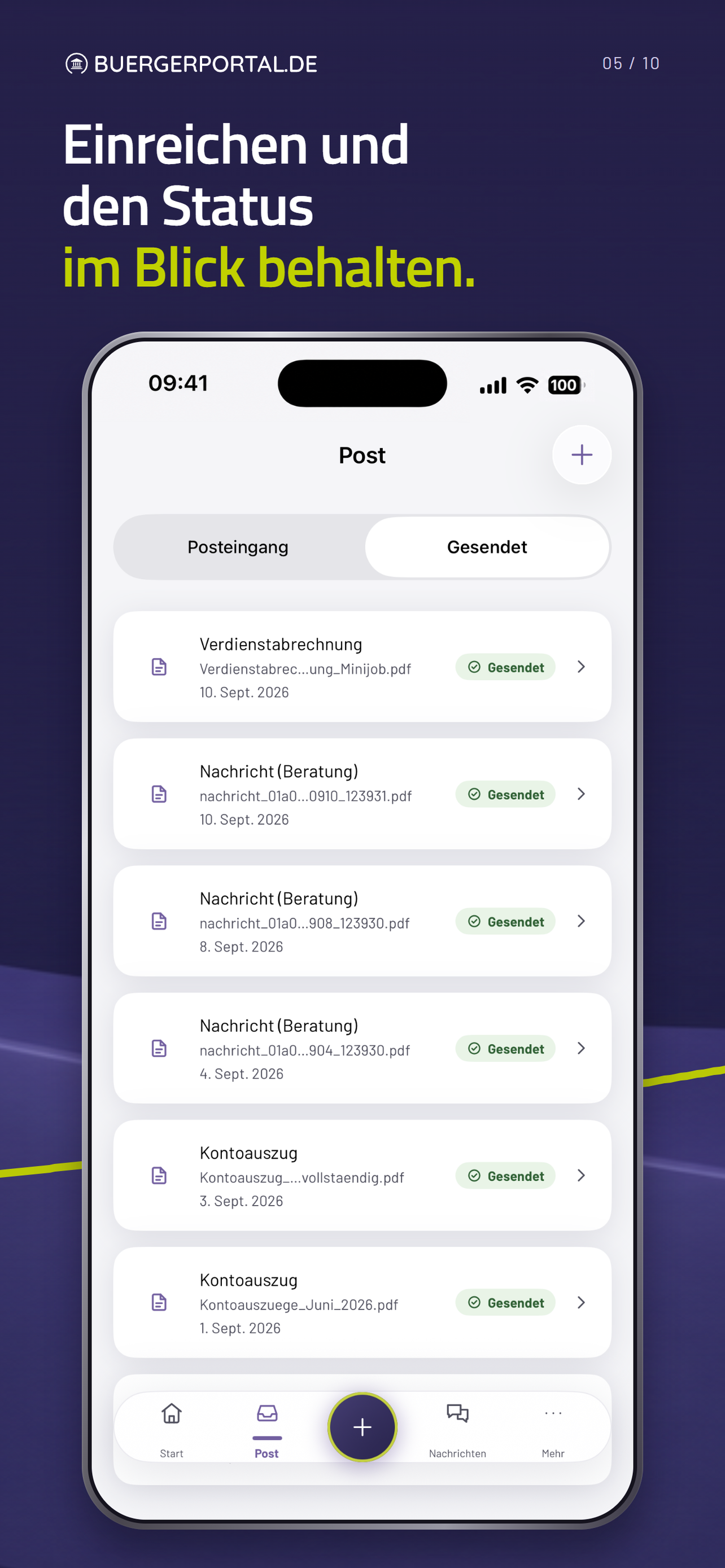
Track your submissions
Check what you have sent:
find your documents with their dates and transfer status.
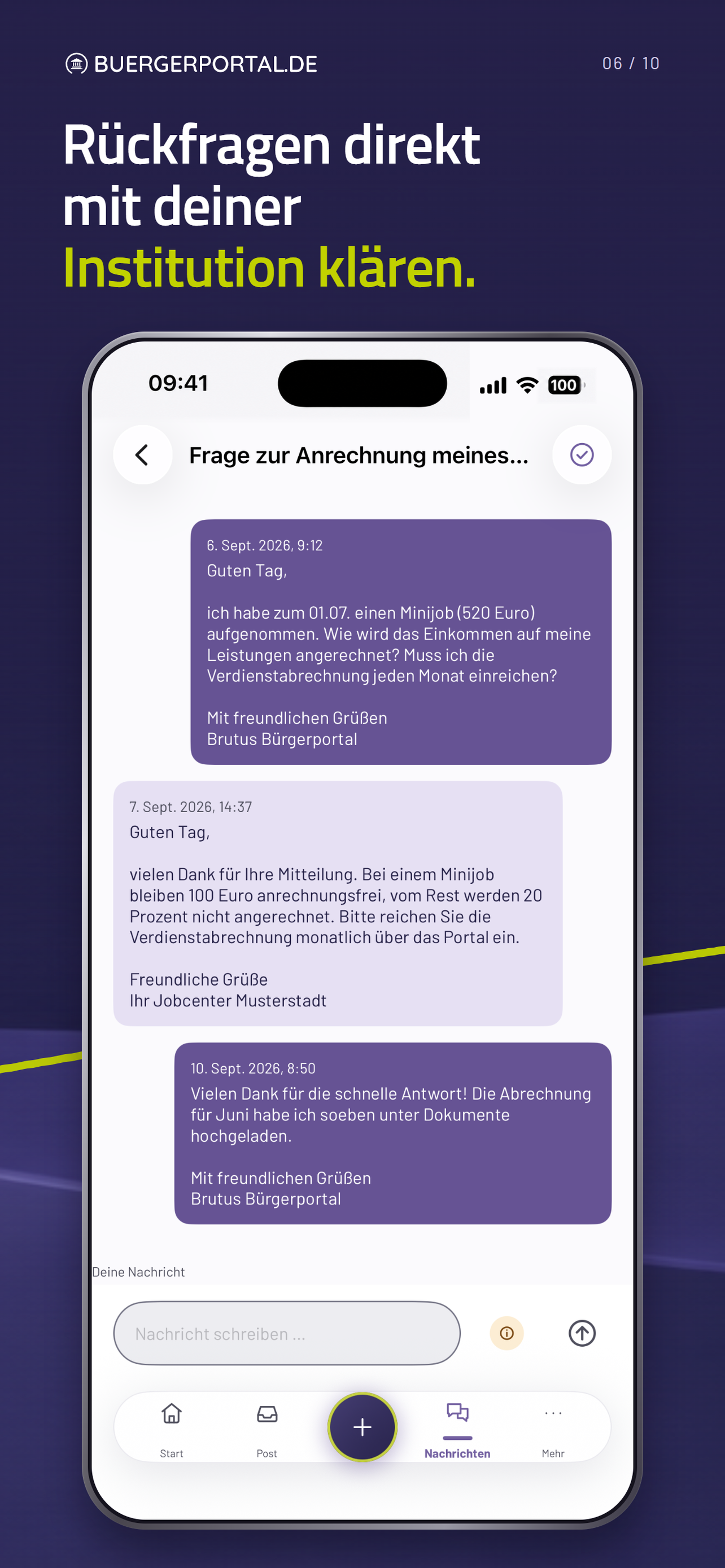
Keep the conversation going
Resolve queries:
your messages and your organisation’s replies in one conversation.
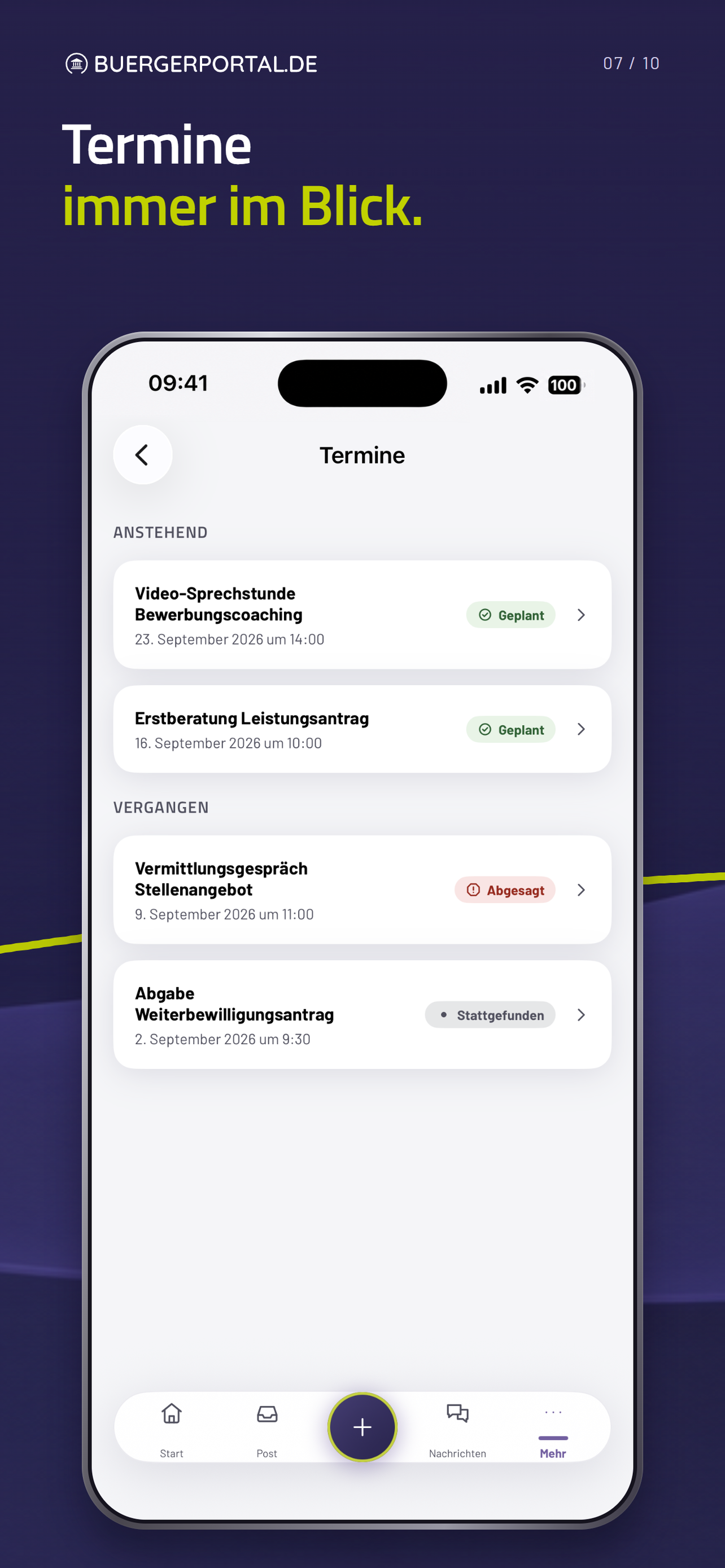
Keep track of appointments
Plan ahead:
view upcoming and past appointments with their respective status.
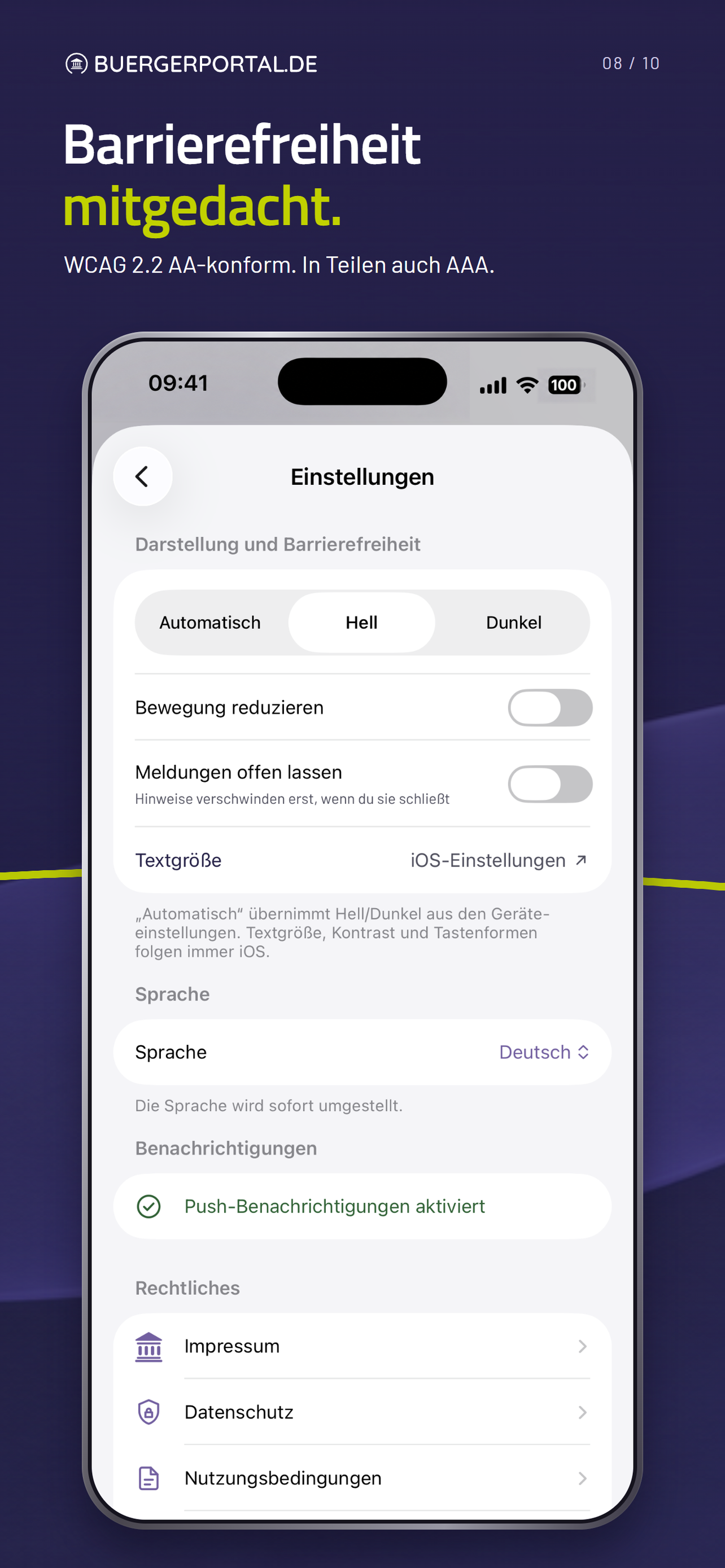
Adjust the display
Make it easier to use:
adjust the display and motion settings to suit your needs.
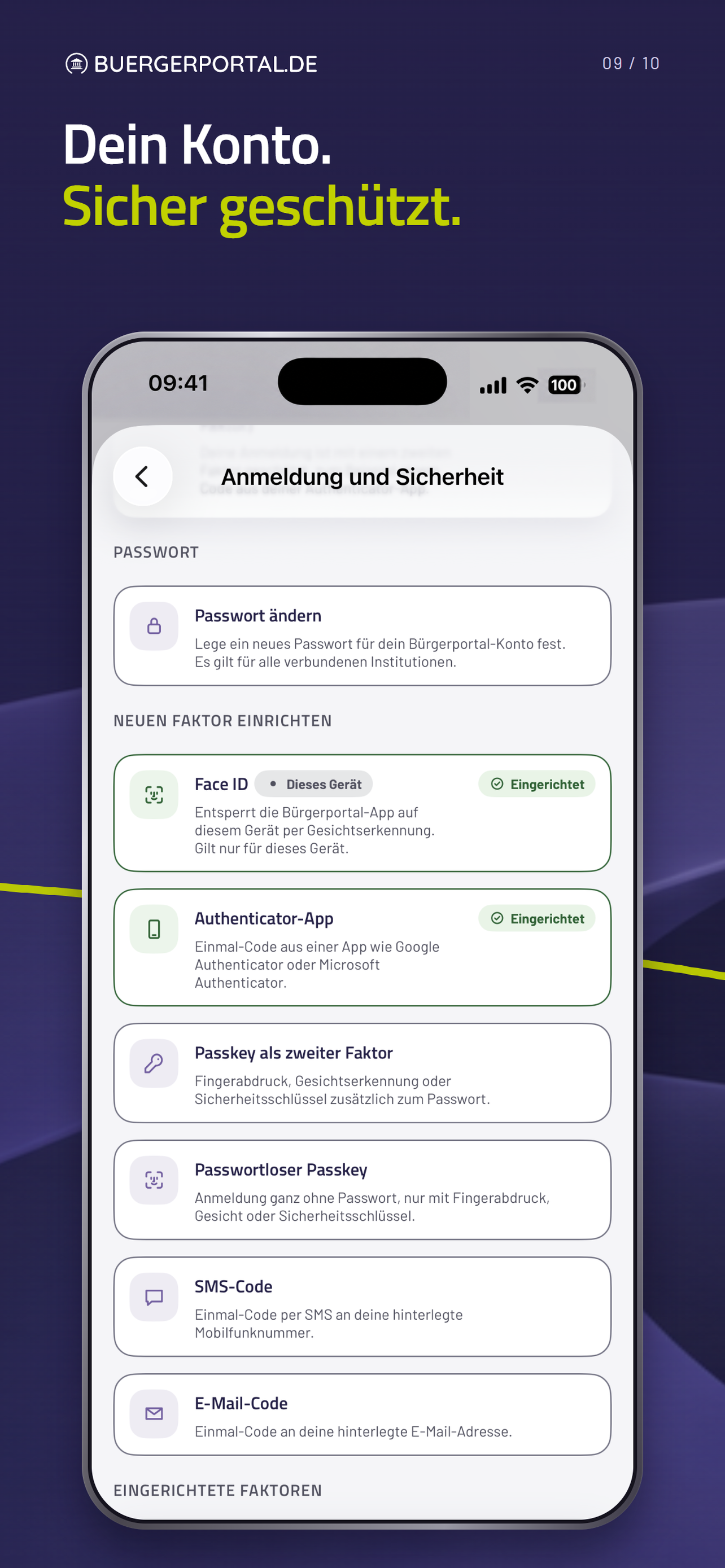
Protect your account
Sign in securely:
manage your password and additional sign-in options in the security overview.
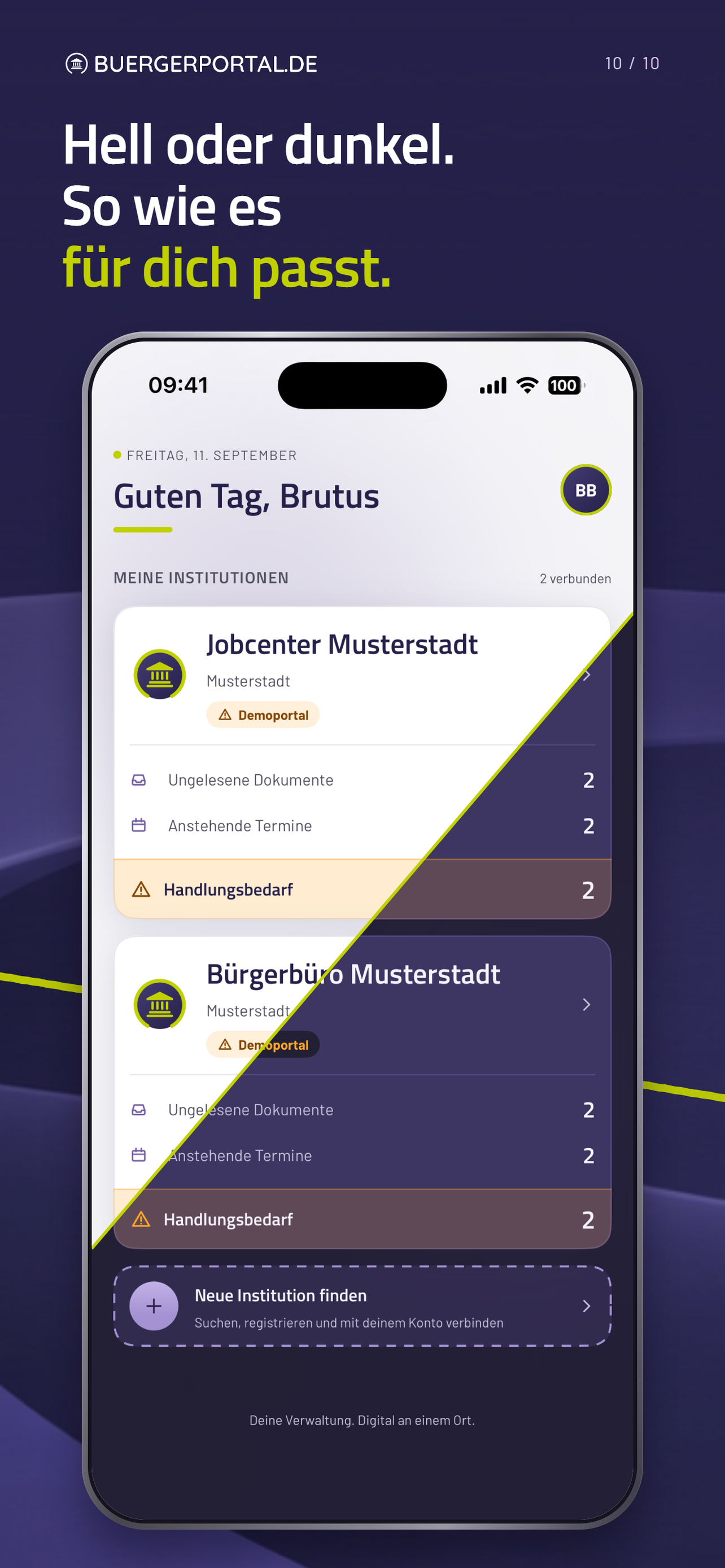
Light or dark
Your choice:
use the app with a light or dark appearance.
Swipe or browse the app views. Select “Enlarge image” to see the details.
Scan documents. No home scanner needed.
Scan paper documents with your smartphone. The app detects the edges and crops the image. You can rotate and reorder multiple pages and combine them into one document.
Already have the file on your device? Simply select it directly. Afterwards, you can see the transfer status under “Gesendet” (Sent).
Stay in touch with your organisation through Bürgerportal after submitting your documents. Follow-up questions, replies and documents reach you through the same channel.
Keep track of your mail and appointments.
Mail and replies
Read mail from your organisation and reply to questions directly in the app. You also receive replies and further documents through Bürgerportal.
Keep track of appointments
Check the date, time and location of appointments, confirm them directly in the app and add them to your calendar.
Get appointment reminders
Receive push notifications to remind you of appointments and let you know about new mail and replies. You decide whether to enable notifications.
One account for your browser and the app.
Create your account directly in the app or in your browser. You can use this account for both and connect with your organisations.
If you already have a Bürgerportal account, simply use it to sign in to the app. The app shows the sections offered by your connected organisations. You need an internet connection to use it.
Privacy for your account and the app.
Bürgerportal runs on servers in Germany. We process your data exclusively in Europe.
We explain which data is transferred where and what it is needed for. For features that require your consent, we ask for it specifically. You can read the privacy notice before registering.
Good to know about the app.
View accessibility features and help for the app
How can I make the app easier to read and use?
In the settings under “Darstellung und Barrierefreiheit” (Display and accessibility), you can adjust the display, reduce motion and keep notifications open. Our help page has further information on text size and read-aloud features.
Where can I get help with the app?
Our support team helps with questions about the Bürgerportal app for iOS and Android and your account. Contact us by email, phone or using the support form.
Can I use Bürgerportal without the app?
Yes. You can use Bürgerportal in your browser on a computer, tablet or smartphone. The app is an additional option.
How can I protect the app from prying eyes?
You can enable an additional app lock. Unlock it using facial recognition or your fingerprint, with your device passcode as a fallback.
Which languages are available?
Additional languages can be added to an organisation’s portal. The organisation provides the translations. TEC2DATE plans to offer English, Turkish and Arabic for the Bürgerportal Identity Hub.
Your Bürgerportal on the go.
Create your free Bürgerportal account now and explore the features in a demo portal. You can use the demo portals in your browser and in the app. Once connected with your organisation, you can then take care of your own requests on the go too.